
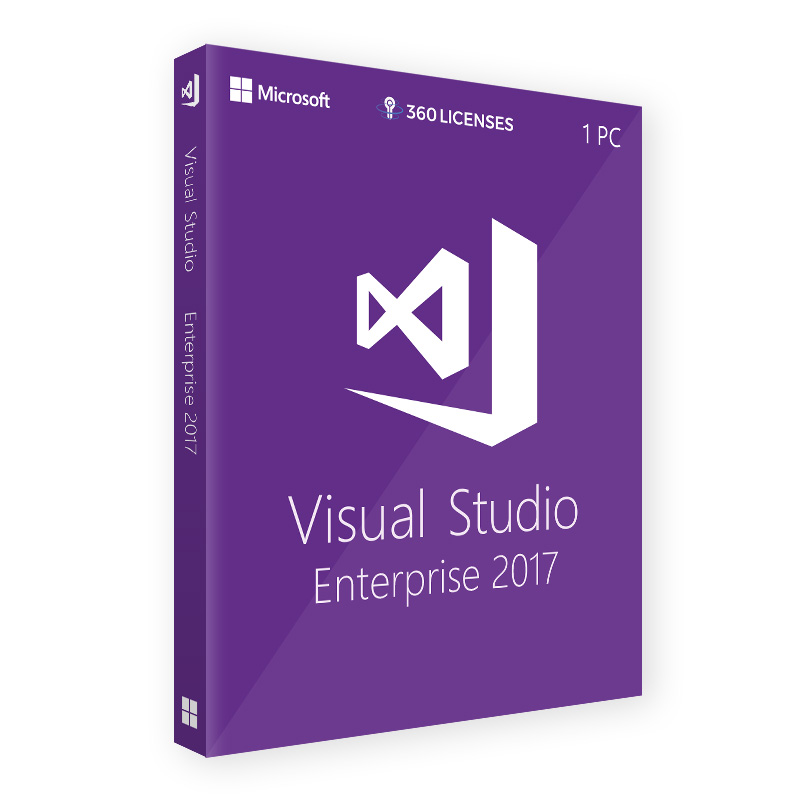
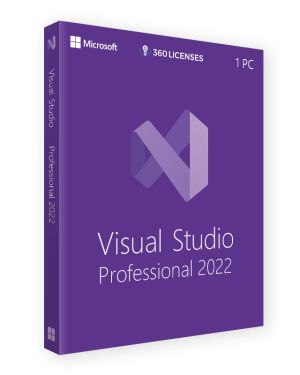
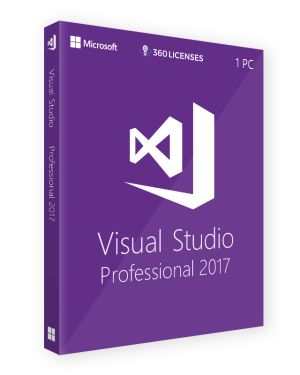
Microsoft Visual Studio 2017 Enterprise – OEM License (1 PC) – Lifetime Online Activation
€34.90
Get your original Microsoft Visual Studio 2017 Enterprise license for advanced development. Unlock powerful tools like Live Unit Testing and IntelliSense to enhance productivity.
Overview of Microsoft Visual Studio 2017 Enterprise
Microsoft Visual Studio 2017 Enterprise is a robust Integrated Development Environment (IDE) designed for large-scale, enterprise-level software development. With powerful features that support end-to-end development and streamline workflows, this version is ideal for teams managing complex, multi-platform applications. By purchasing an original license, you ensure access to advanced tools that enhance collaboration, debugging, and code quality. The Enterprise edition offers specialized capabilities tailored for large development teams and organizations that need to optimize productivity and efficiency.
Key Features of Visual Studio 2017 Enterprise
The Enterprise edition of Visual Studio 2017 is packed with features that improve coding efficiency and quality:
- Live Unit Testing: This feature provides real-time testing feedback, enabling developers to fix errors as they code.
- IntelliSense: Get code suggestions and auto-completion based on your code’s context, speeding up development.
- CodeLens: Integrated directly into the IDE, CodeLens allows developers to see references, changes, and unit tests without leaving the code.
- Advanced Debugging: Includes powerful debugging tools like IntelliTrace for capturing execution paths, and diagnostic tools to optimize performance.
These features ensure a seamless development experience, especially when managing large, complex projects.
System Requirements
To run Microsoft Visual Studio 2017 Enterprise, your system must meet the following minimum requirements:
- Operating System: Windows 7 SP1 or later, Windows Server 2012 R2 or later
- Processor: 1.8 GHz or faster (Quad-core recommended)
- RAM: 2 GB (8 GB recommended)
- Hard Disk Space: Minimum 20 GB of available space
- Graphics: DirectX 9-compatible video card with a resolution of 1366x768 or higher
By ensuring your system meets these requirements, you can fully leverage Visual Studio 2017 Enterprise's features for an optimized development process.
License Activation Process
After purchasing your original Microsoft Visual Studio 2017 Enterprise license, activating it is simple. Upon receiving your product key, you can enter it during installation or afterward via the Visual Studio interface under the "Help" menu. Activation ensures access to all premium features and support provided by Microsoft. Detailed activation steps and support resources are available on the official Microsoft website.
Why Choose an Original License?
Acquiring an original license for Visual Studio 2017 Enterprise ensures that you have access to the latest updates, security patches, and full technical support. This not only maximizes your team's efficiency but also keeps your development environment compliant with software regulations. An original license guarantees that your team benefits from the complete set of enterprise features, which enhances overall development workflow and project management.
By choosing Microsoft Visual Studio 2017 Enterprise, your development team gains access to a powerful set of tools designed to handle complex projects. This IDE is essential for optimizing collaboration, improving code quality, and ensuring the success of large-scale software applications.
| Brand | Microsoft |
|---|---|
| Activation Method | Online Activation |
| Language | Global |
| Slots | 1 PC |
| License Type | Retail |
| Compatibility | Windows, Windows 10, Windows 7, Windows 8 |
Only logged in customers who have purchased this product may leave a review.

Reviews
There are no reviews yet.